Video slots
Feature frequency, reel layout and paytable values vary by title, so check the in-game panel before starting a session.

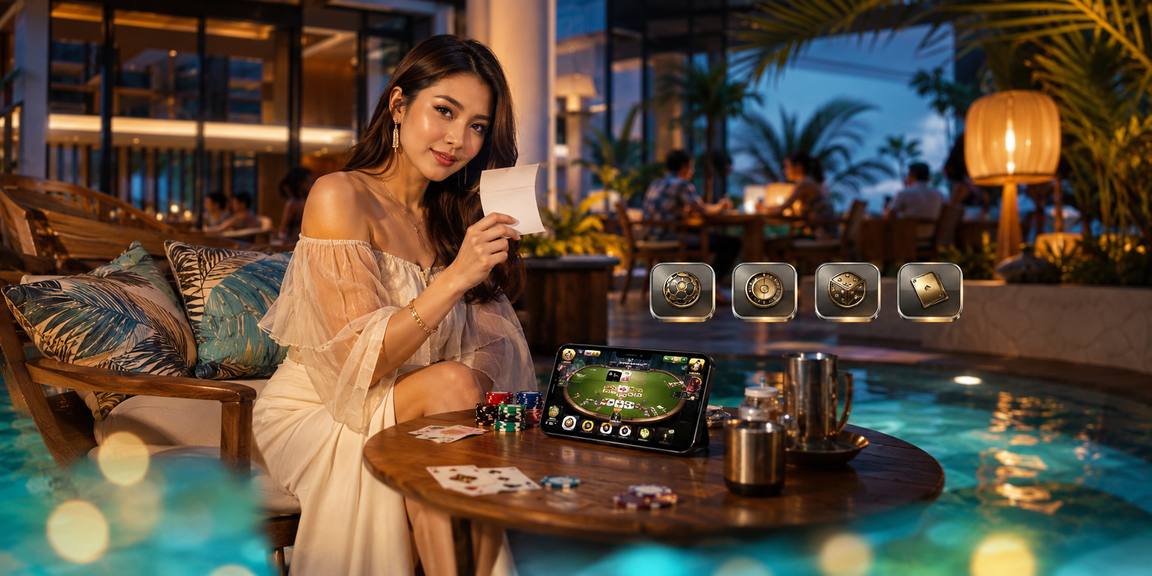
Panda Fortune, Perfect Blackjack, Football Studio and Cash Rocket sit inside one ph90 lobby with Touch 'n Go, GrabPay, Boost dan FPX ready for quick account funding.
Access is only available where local law permits.
The game lobby puts casino and slots first because that is where most account holders start.
Panda Fortune, Emerald King, Mahjong Ways and Sweet Bonanza give you different reel styles, feature screens and pacing for short or longer sessions.

Live tables include baccarat, blackjack and roulette streams with dealer video, clear limits and room labels shown before you enter.

Slot-feature rooms highlight titles with larger cap mechanics, visible rules and clear round history so you can read the setup first.

Perfect Blackjack, roulette and baccarat rooms keep classic rules close, with table status shown before you commit to a seat.

Aviator and Cash Rocket suit faster rounds, with simple screens that show the round state, timing and account balance in view.

Dragon Fishing uses arcade-style controls, target waves and room levels, giving you a different rhythm from reels or live tables.
Open the lobby card to find slot rooms, live casino tables, sportsbook panels and account tools placed in clear rows.
Pragmatic Play, PG Soft and Spadegaming sit beside regional studios so you see familiar slots, table formats and arcade titles under one account.
Open your account board to see whether casino offers are active for your profile. Terms apply.
Open Account Check the sportsbook tab for offers linked to your account and market access. Terms apply.
Open AccountYour wallet choices are kept local and easy to recognise. Touch 'n Go, GrabPay, Boost dan FPX appear in the cashier area with transfer steps shown…
Open your account with your mobile number and basic details.
Choose Touch 'n Go, GrabPay, Boost or FPX in the cashier.
Pick slots, live casino, fishing, arcade or sportsbook from the lobby.
Read the room rules and keep your balance visible.
Send a request from the wallet and wait for account checks.
Some home links matter more than others because they help you decide what to do next.
Your first visit should answer four things quickly: how to create the account, where the lobby starts, how the wallet connects, and which safety checks protect your login.
Questions usually fall into three groups: access, wallet timing and game loading. We keep help routes visible so you can ask from the same device you are using. When a transfer or withdrawal is involved, include the time, amount and payment channel so the team can check faster.
Use chat for account access, game loading or transfer questions that need quick checks while you are still on the page.
Email suits document checks, longer wallet questions or cases where you need to send screenshots and wait for a written reply.
The mobile help button stays near the account area, so you can report issues without backing out of the lobby.
The mobile lobby keeps account, wallet and game tabs close to your thumb, while desktop gives live tables more room.
Start on mobile, continue on tablet, or return on desktop with the same account, wallet and lobby tabs.
Safety starts with practical controls you can see. The login screen, wallet confirmation, session handling and support access work together so your account does not depend…
Buttons, wallet panels and game tabs are sized for phone screens, so you can check details without mis-tapping small links.
Password entry, account confirmation and session prompts help keep access tied to your credentials rather than an unattended browser.
Withdrawal requests are matched with account details and may require extra checks when names, timing or transfer patterns do not match.
Studio rules, table limits and result histories are shown where the game provider supplies them, helping you read each room clearly.
A single account gives you a clearer path than piecing together game names, transfer details and help contacts from scattered sources.
Different rooms use different rules, pace and return models. We present category details in plain terms so you can check the fit before entering.
Feature frequency, reel layout and paytable values vary by title, so check the in-game panel before starting a session.
Table limits, shoe flow and stream status can differ between rooms, and the live table screen shows those points before entry.
Perfect Blackjack and similar tables display seat status, limits and rules so you can compare rooms before choosing one.
Aviator and Cash Rocket move quickly, so the round screen and history panel matter more than theme or artwork.
Dragon Fishing uses room levels and target values, making the rules panel important before you begin tapping through waves.
The home page is shaped for Malaysia, with local wallet names, English copy for Malaysian readers and a lobby that works across common mobile browsers. Whether you open it from Kuala Lumpur or another supported area, access depends on local law and is available where local law permits. If your location, payment provider or account status needs a check, support can help you understand the next step.
The home page is built around visible elements you can check in minutes.
These answers focus on the home page, account flow, lobby access and Malaysia wallet context. For anything linked to eligibility, local law applies and access is available where local law permits.
Start at the lobby, then move by task: choose a game room, check your wallet, read terms, or contact support. The route is short on purpose.
Use the account button first so the lobby can show wallet status, saved details and the right support path.
Pick slots, live casino, fishing, arcade or sportsbook from the main tabs instead of searching by memory.
Read game rules, promo terms and wallet steps before confirming anything tied to your balance.
Contact support from the account area when access, transfer timing or game loading needs a closer look.